LUNA Customizable Call To Action Scenes for Ecamm
LUNA Customizable Call To Action Scenes for Ecamm
Couldn't load pickup availability
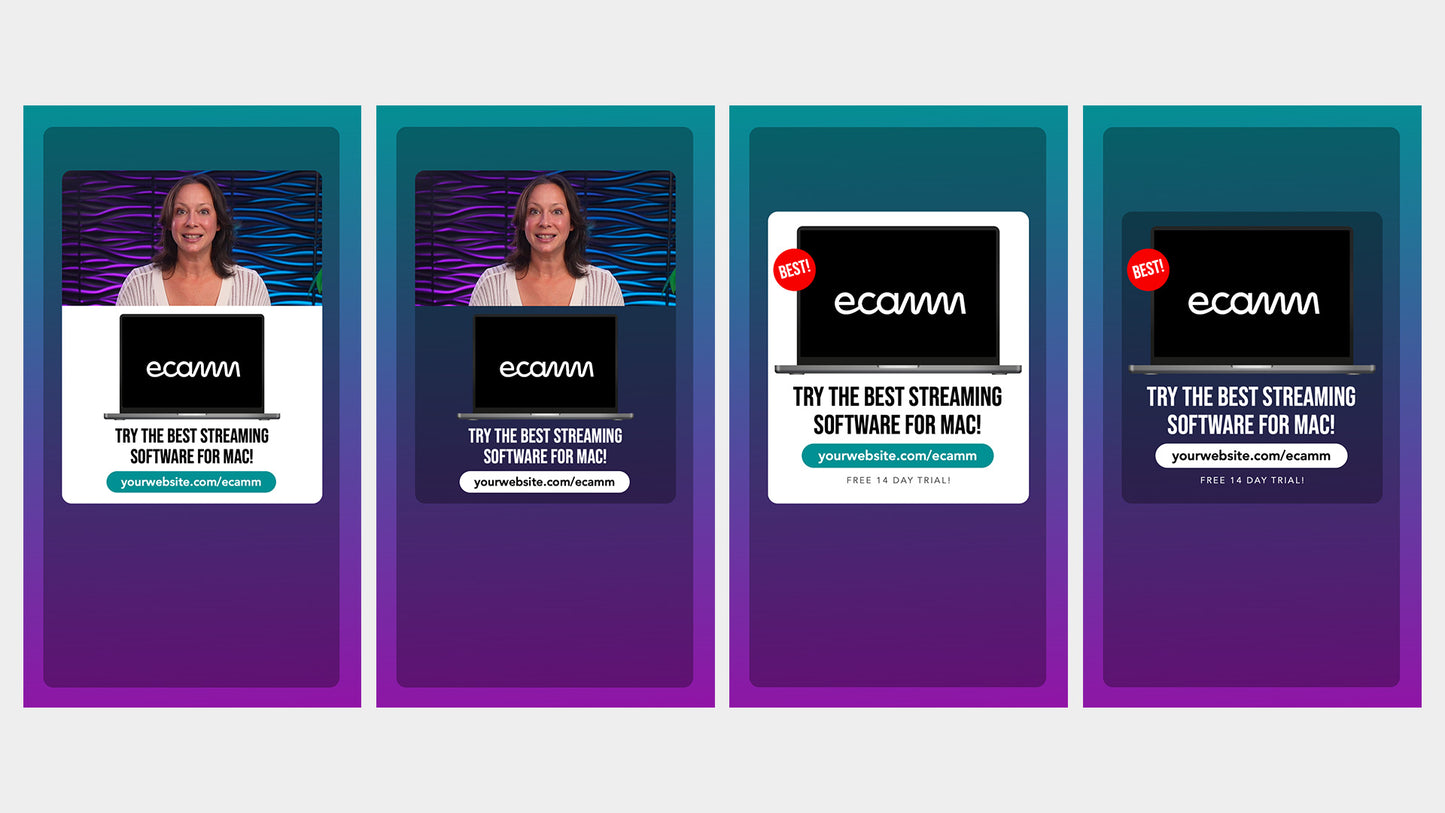
Bring attention to products, services, courses, or anything else you want to promote with these customizable call-to-action scenes for Ecamm!
WHAT YOU'RE GETTING:
- 6x Customizable Scenes
- Horizontal & Vertical Layouts
- Laptop Overlay
- PDF Help Guides
COMPATIBILITY:

HOW THEY WORK:

These scenes can be used with ANY Ecamm Profile, but their design matches our Luna Dual Layout Profile. Each scene includes both horizontal and vertical layouts.
Two of the scenes place your camera on the left with the call-to-action text and graphics on the right, while the other two reverse the layout. The remaining two scenes display the call to action full screen, with no camera.
The scenes also include optional round "stickers" to help draw even more attention to new products, freebies, sales, and prices.
We recommend using the free Google font Bebas Neue with these scenes, and we include a PDF guide explaining how to install it.
Streaming Options:
- Just Horizontal
- Just Vertical
- Horizontal & Vertical together
CUSTOMIZABLE:
You can change the main background, button and sticker colors, text, and more.
The laptop includes a shape overlay behind the screen, allowing you to quickly and easily change its color. You can also replace the screen contents with an image, camera, video, screen share, or web widget.
Two different design styles are included, with options to display the call to action on the right or left of your camera, or full screen.
What you can promote:
- Your product or service
- An affiliate product or service
- Your community
- A free guide or lead magnet
- Your website
EASY TO SETUP:
All you need to do to get started is install the recommended font, then open the provided scenes file in Ecamm.
ALTERNATIVE DESIGN:
This product is also available in our NOVA design, offering the same layouts and assets with a different visual style.
Important: these Scenes require Ecamm Live V4.5. Dual Mode requires a Pro Plan.